Choosing call logging and follow-up software that matches team devices and logging speed is time-consuming and error-prone. Many options restrict device compatibility, limit automation, or require a direct quote to check costs and features. This comparison reviews pricing, reminder automation, and platform support so sales teams can match a CallMarker.com alternative to their needs without wasting a trial cycle.
Table of Contents
Dialed Sales
At a Glance
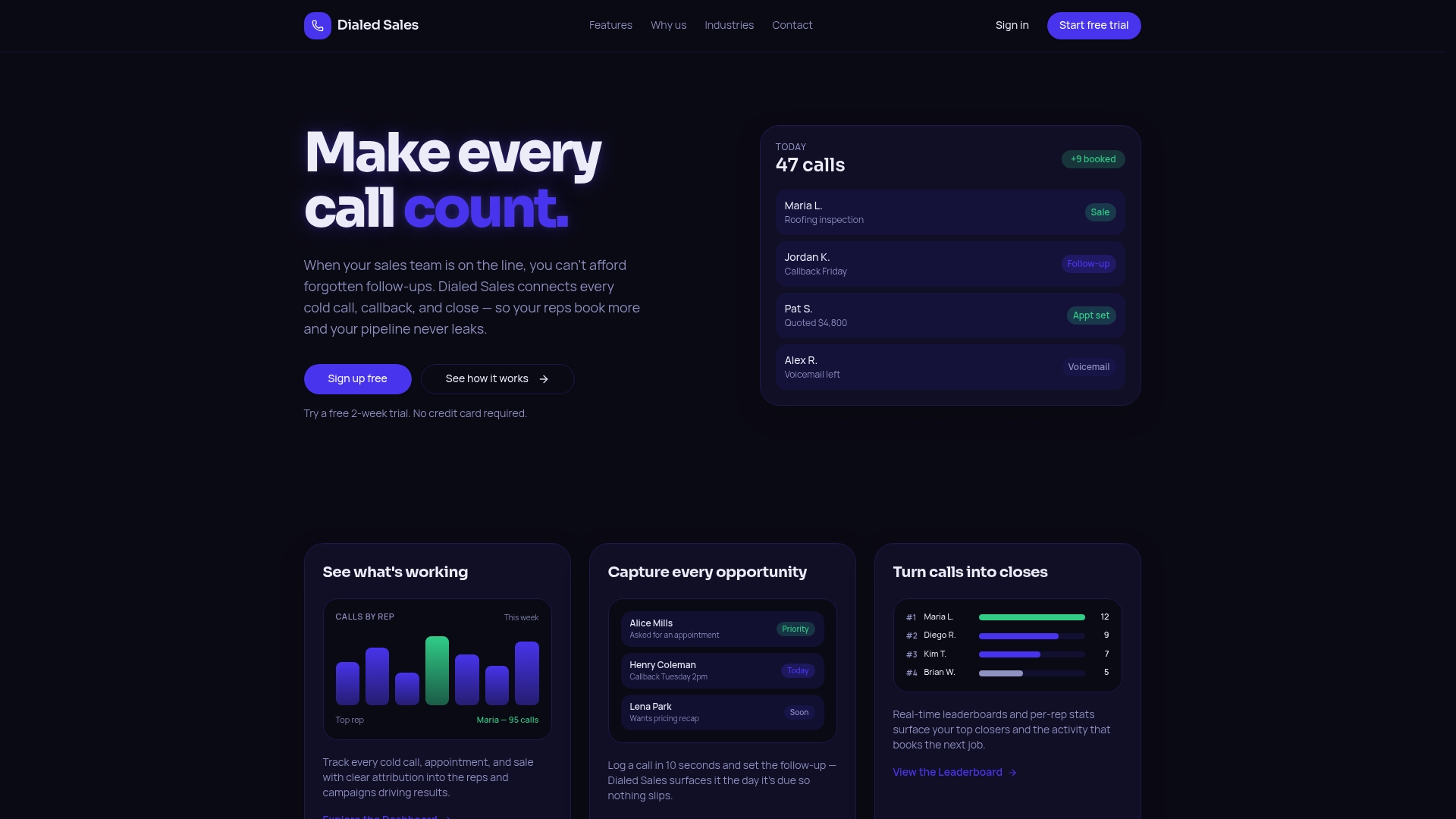
According to the company, you can log a call in 10 seconds from any device. Calls, outcomes, and follow up dates appear on a single dashboard. The app focuses on field teams in roofing, solar, insurance, and HVAC.
Core Features
Call logging from iPhone, Android, and web so reps record interactions while in the field. Follow up reminders automatically appear on the dashboard when a callback is due and leaderboards display real time activity. The system attributes call results to campaigns and includes privacy controls for individual and owner views.
Key Differentiator
Simple, fast call logging and follow up automation are tuned to field sales workflows. Minimal setup lets reps enter outcomes and set a follow up date without a complex CRM. The dashboard brings due callbacks to the surface so managers and reps do not miss recontacts. That narrow focus favors quick entry and visible reminders instead of broad CRM features.
Pros
You can log calls and follow ups on any device, so notes stay current when reps leave the office. Real time leaderboards and activity tracking make daily performance visible to managers and motivate reps to keep activity high. The workflow avoids full CRM complexity and requires less admin work and training. A two week free trial requires no credit card, letting teams test logging speed and reminders before committing.
Cons
- Limited to call and follow up tracking, not a full CRM for pipeline or marketing automation.
Who It's For
Field sales reps and managers in trades and home services will get the most value. Roofing, solar, insurance, and HVAC teams that run outbound cold calls and door knocks fit especially well. If your priority is fast logging, visible callbacks, and simple team controls, this matches daily field work.
Unique Value Proposition
Follow up dates automatically appear on the dashboard when they arrive, so callbacks do not hide in spreadsheets. That automatic surfacing shortens the loop between logging a call and recontact for field teams. Removing heavy CRM setup lets teams adopt call tracking without a dedicated admin. As a result, reps spend more time calling and less time entering data.
Real World Use Case
A roofing crew logs door knocks and onsite quotes from phones while they move between neighborhoods. Managers watch leaderboards to spot high activity and assign callbacks the same day. Reps set follow up dates during calls and receive reminders when callbacks appear on their dashboard. The process keeps callbacks visible and reduces missed recontacts.
Pricing
Pricing is not publicly listed on the site. The vendor offers a two week free trial without a credit card. Contact sales or request a trial to get plan and seat pricing for your team.
Website: https://dialedsales.com
Callyzer
At a Glance
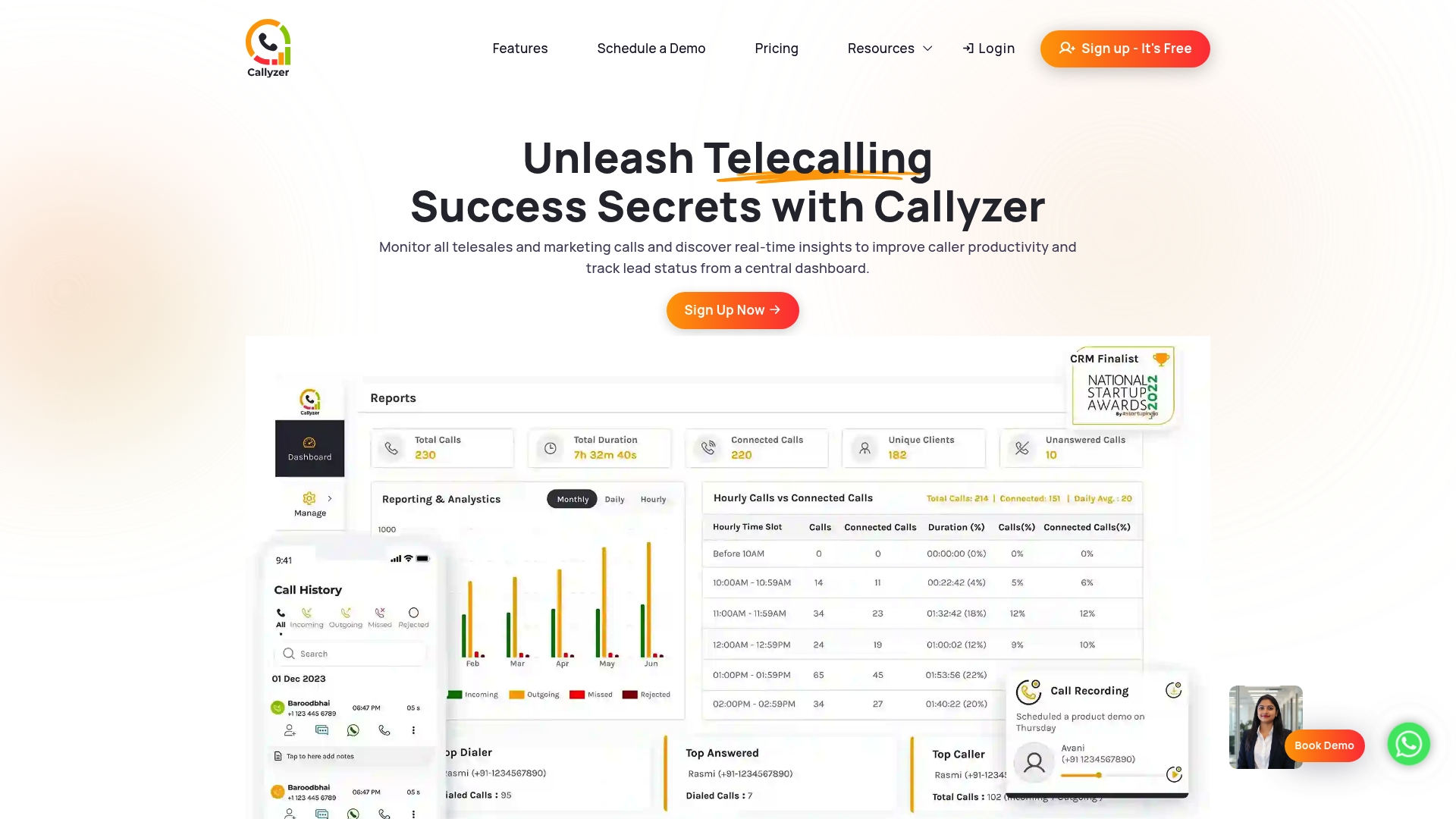
Callyzer reports it is trusted by over 1,000 clients worldwide. The app centers on Android deployment and presents a centralized dashboard for call tracking and team performance. That vendor-reported client count suggests adoption across multiple industries and small to midsize telecalling teams.
Core Features
Callyzer combines a real time call monitoring dashboard, lead management, and access to call history and recordings so supervisors can review activity from their phones. The product supports CRM and API integration, and it can push call data into Google Sheets or CRM systems for follow up. Daily performance reports and basic analytics help managers spot missed calls and measure individual outcomes.
Key Differentiator
The strongest selling point is tight Android app integration that keeps call telemetry and recordings synced to a central dashboard while teams work remotely. That focus on mobile-first monitoring suits operations that run large numbers of outbound and inbound calls from field or remote agents.
Pros
Callyzer is fast to deploy on Android devices and the setup mostly requires installing the app and connecting a CRM or API endpoint. Reporting covers both team and individual metrics, so managers can act on daily reports without building spreadsheets. The vendor reports the platform supports Google Sheets, Facebook and Instagram lead capture, and several CRMs, and that figure helps explain why teams that already use those tools can connect call activity quickly.
Cons
- Limited public detail on advanced customization or enterprise-grade integrations. This makes evaluating complex workflows difficult.
- No explicit support for iOS or other platforms is listed, so mixed-device teams may face compatibility gaps.
- Scalability for very large deployments is not clearly documented, which raises questions for operations with hundreds of agents.
When It May Not Fit
If your team uses iPhones or tablets frequently, Callyzer may not match your device mix because the product targets Android. Organizations that require deep enterprise features such as single sign on or complex role hierarchies should confirm those needs with the vendor. Very large contact centers should test performance and limits before committing.
Notable Integrations
- CRM systems
- Google Sheets integration
- Facebook and Instagram lead capture
- Zoho, LeadSquared, Indiamart
- Third party API support
Who It's For
This product fits telecalling teams and SMB sales groups that operate primarily on Android devices and want live visibility into call activity. Remote supervisors who need quick daily reports and call recordings for coaching will find the app practical. Teams that already use Zoho, LeadSquared, or Google Sheets will get faster value from existing workflows.
Real World Use Case
A healthcare provider used Callyzer to monitor tele-counselor activity and measure missed calls and average call duration. Supervisors reviewed recordings and daily reports to coach agents and improve contact rates. Lead exports into the CRM helped the sales team follow up more consistently.
Pricing
Callyzer offers a free trial followed by paid plans. Specific plan names and pricing tiers are not listed here and are available on the vendor website.
Website: https://callyzer.co
Salestrail
At a Glance
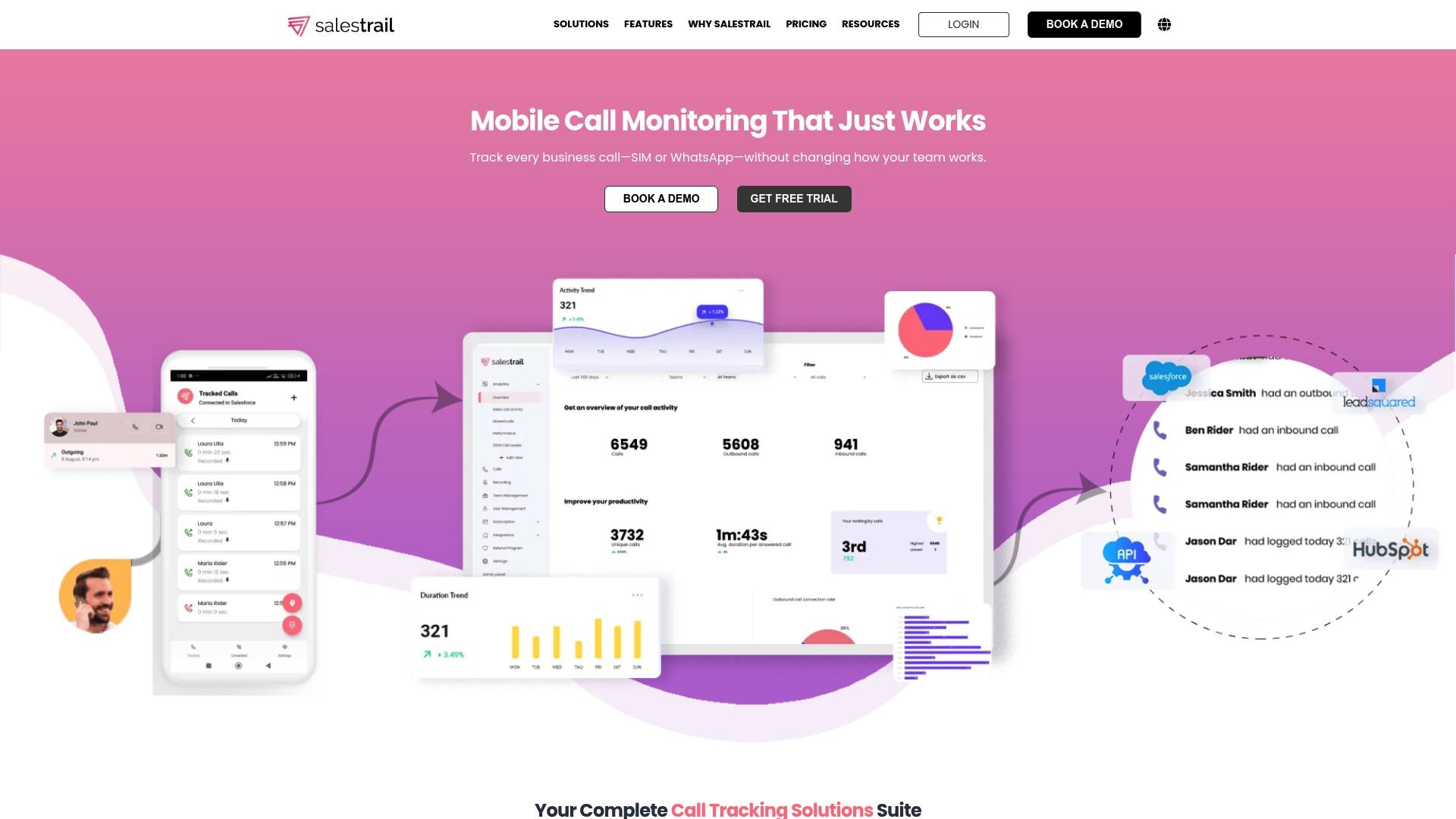
Tracks WhatsApp calls and SIM calls on existing phones without adding new numbers or VoIP systems. Salestrail logs calls automatically into CRMs like Salesforce and HubSpot while preserving native mobile workflows. The product focuses on mobile-first call capture and simple reporting for sales teams.
Core Features
Salestrail captures call activity with call monitoring and call recording, and it logs interactions automatically into connected CRMs. The app supports WhatsApp call tracking on compatible devices and exposes reporting and team-level analytics for coaching. API and webhook options allow export of call events into other systems.
Key Differentiator
The standout feature is mobile-first tracking that uses your existing phone and SIM rather than requiring a new number or a VoIP setup. That approach preserves the agent workflow and removes the need to hand out company lines. For field sales teams this reduces setup time and keeps records tied to the same mobile identity.
Pros
Salestrail automates call logging, which saves reps time and reduces manual entry errors. It supports both SIM and WhatsApp calls so audit trails capture more of a rep's activity. The product connects with major CRMs so managers can see call context inside the sales record and run simple team reports for coaching.
Cons
- Limited public detail on enterprise customizations. Large deployments may need vendor discussion to confirm support and SLAs.
- WhatsApp call tracking is only available on Android. Teams with a high share of iPhone use may lose that coverage.
- Pricing can vary by add-ons and custom packages. That makes cost comparisons harder without a direct quote.
When It May Not Fit
If your operation needs documented enterprise customization or an on-premise option, this may be a poor match. Teams that rely heavily on iPhone voice apps will lack Android-only WhatsApp tracking. Organizations that require fixed pricing for budgeting may prefer vendors with published tiered plans.
Notable Integrations
- Salesforce
- HubSpot
- Zoho
- LeadSquared
- Microsoft Dynamics
Who It's For
Sales managers and field teams that want mobile call records tied to CRM entries benefit most. Remote reps who place and receive calls on personal or company phones will get clearer visibility. Coaching managers who rely on recorded calls and team reports will find the feature set relevant.
Real World Use Case
A field sales team uses Salestrail to capture every outbound and inbound call, including WhatsApp voice sessions on Android devices. Calls and recordings auto-attach to Salesforce contacts so coaching conversations reference the actual interaction. Managers pull team reports to spot response gaps and follow-up patterns.
Pricing
Pricing varies by plan and features with options for monthly, annual, or custom enterprise packages. Some advanced features and platform add-ons may require additional fees. Teams should request a quote for exact costs and any bundle discounts.
Website: https://salestrail.io
Callingly
At a Glance
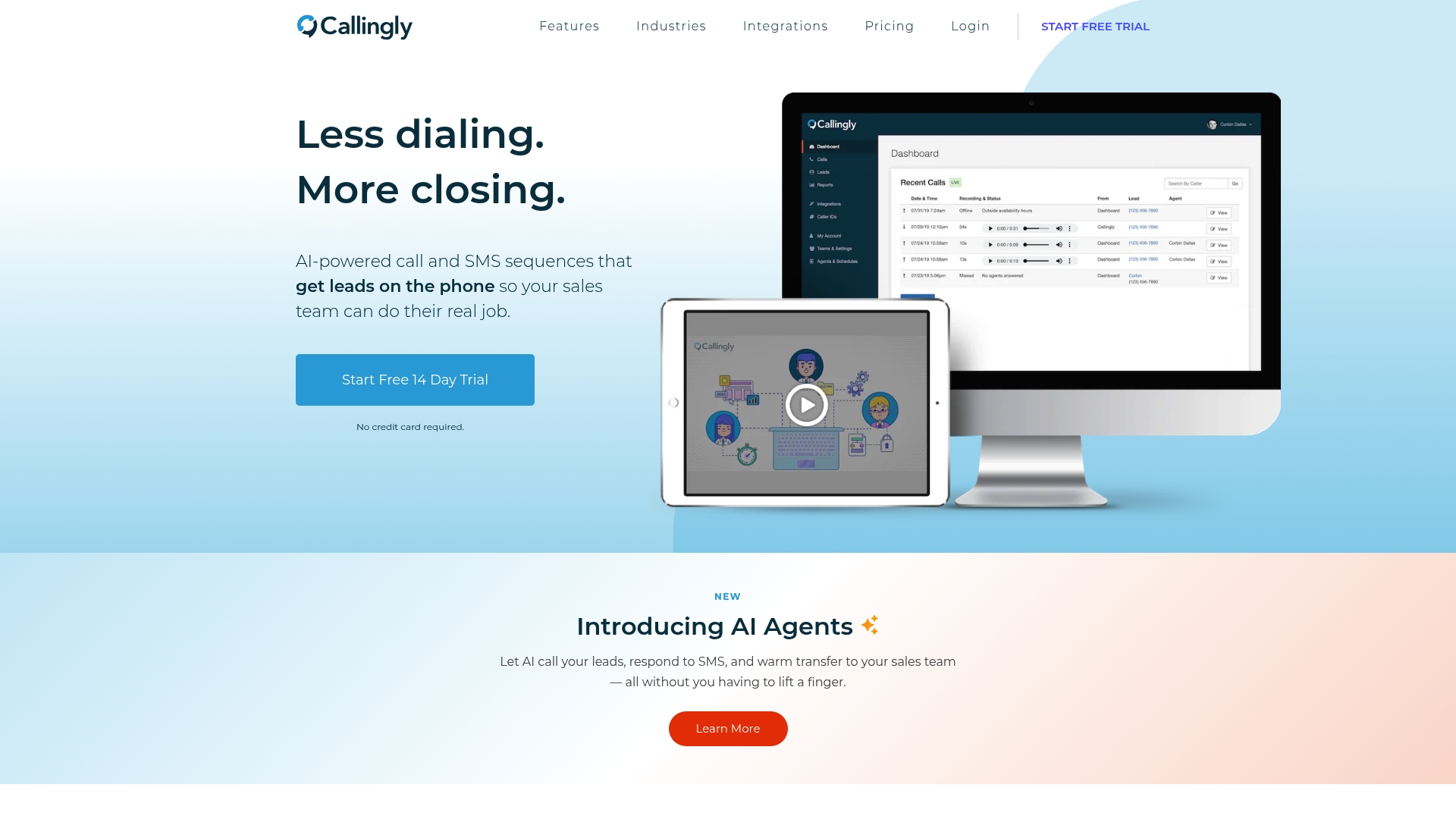
Callingly's marketing materials state it connects to over 1,000 third party tools. The platform combines automated calling and SMS sequences with warm transfer to human reps. It records and transcribes conversations and offers AI agents that qualify leads before handing them off.
Core Features
Callingly runs AI powered call and SMS sequences that dispatch calls from landing pages, forms, or CRMs and route leads to the right rep. The platform includes warm transfer to human and AI agents, automatic call recording with transcription and summaries, and scheduling for callbacks and follow ups. An API and MCP server support custom integrations and automation.
Key Differentiator
Callingly stands out for its AI agents that initiate contact, qualify leads, and warm transfer prospects to human sales reps without manual intervention. That workflow reduces the front end time your team spends chasing new contacts. The feature targets teams that need rapid first contact at scale.
Pros
The automation reduces manual dialing and follow up workload while keeping a human available for live handoffs. Native integrations and Zapier connections make it easier to pull leads from forms and CRMs, and that integration count helps connect many common lead sources. Built in recording, transcription, and summaries make coaching and quality checks straightforward, and flexible plans let teams start small and add capacity as call volume grows.
Cons
- Pricing may be high for very small teams or startups depending on usage and call volume.
- The platform has a complex feature set that can create a learning curve for new users.
- Some customers report limited customization for advanced routing and scheduling in certain plans.
When It May Not Fit
If your team logs very low lead volume, the per month and usage costs could outweigh benefits. If you need deeply custom routing rules without vendor support, some plans may feel restrictive. Teams without bandwidth for initial training will take longer to realize value.
Notable Integrations
- Pipedrive
- Hubspot
- ActiveCampaign
- Salesforce
- JotForm
- Zapier
- Follow Up Boss
- Facebook Lead Ads
Who It's For
Callingly suits sales teams and agencies that need immediate first contact with inbound leads. Real estate agents, mortgage brokers, auto dealers, and insurance agencies will find the automated call and text sequences useful. It also fits teams that want recorded conversations and AI assisted qualification before human follow up.
Real World Use Case
A real estate agency connects its CRM and website forms to Callingly. When leads submit a form, Callingly calls and texts the lead, routes the contact to the assigned agent, and records the conversation for follow up. The agent reviews the transcription and schedules a showing without missing the initial lead window.
Pricing
Pricing starts at $80/month for the Starter plan, with customized enterprise options and add ons available. Plans include feature and usage limits and may include overage charges depending on consumption.
Website: https://callingly.com
Comparison of alternatives
Selecting the call logging and follow-up solution depends greatly on the intended user's specific requirements and operational priorities.
Primary focus and functionality
Dialed Sales excels with its core focus on field sales teams' unique needs. Its call-logging workflow ensures a rapid and intuitive user experience, supported across devices. However, Callyzer emphasizes Android compatibility, offering integrations and extensive reporting features, making it excellent for teams running Android-exclusive systems. Conversely, Callingly emphasizes automation, providing tools like AI-based lead qualification and efficient lead processing for high-volume sales environments, which can significantly reduce manual tasks.
Platform compatibility
Device compatibility substantially influences usability. Dialed Sales delivers excellent cross-platform support, accommodating Android, iPhone, and web modalities. Callyzer focuses heavily on Android and lacks native iOS support. Lastly, Salestrail prioritizes CRM integration over device cross-compatibility, with special features like WhatsApp call tracking restricted to Android users. Organizations utilizing multi-platform strategies may find greater flexibility with Dialed Sales.
Best fit
- Field teams logging interactions and scheduling follow-ups in real time benefit from Dialed Sales' simple and dashboard design, specifically tailored for industries like roofing, HVAC, and solar.
- Sales groups operating predominantly via Android devices and requiring integration with defined CRMs can leverage Callyzer for its streamlined syncing capabilities.
- Organizations focused on reducing manual workloads through advanced AI-driven automation in lead management and call coordination will find Callingly valuable.
Our pick
Dialed Sales is particularly well-suited for field teams prioritizing quick call logging and immediate follow-up integration. Its multi-platform support and user-friendly approach simplify daily operations for mobile professionals. However, Android-only teams with an essential need for extensive CRM integration might explore Callyzer as an alternative.
Choosing the appropriate call logging and follow-up solution depends on determining which platform best aligns with your team’s unique needs.
| Platform | Primary Focus | Key Differentiator | Best For | Pricing |
|---|---|---|---|---|
| Dialedsales | Fast call logging and tracking | Simplified UI tailored for field sales teams | Field teams in trades and home services | Price not published |
| Callyzer | Call tracking for Android teams | Tight integration with Android and Google tools | Telecalling teams using Android devices | Price not published |
| Salestrail | Mobile-first call logging | Tracks calls on existing phones and CRMs | Mobile-first sales teams | Price not published |
| Callingly | Automated calling and lead sequences | AI agents qualifying leads before live follow-ups | Teams needing fast first contact workflows | Starting at $80/month |
How Fast Call Logging Can Improve Your Field Sales Results
If you need a simple solution that cuts down on call recording time and keeps follow-ups visible, Dialedsales fits the bill. Designed for field sales reps and managers in roofing, solar, insurance, and HVAC, Dialedsales lets you log a call in 10 seconds from any device. Reminders for callbacks appear automatically on your dashboard so you never miss a chance to reconnect.
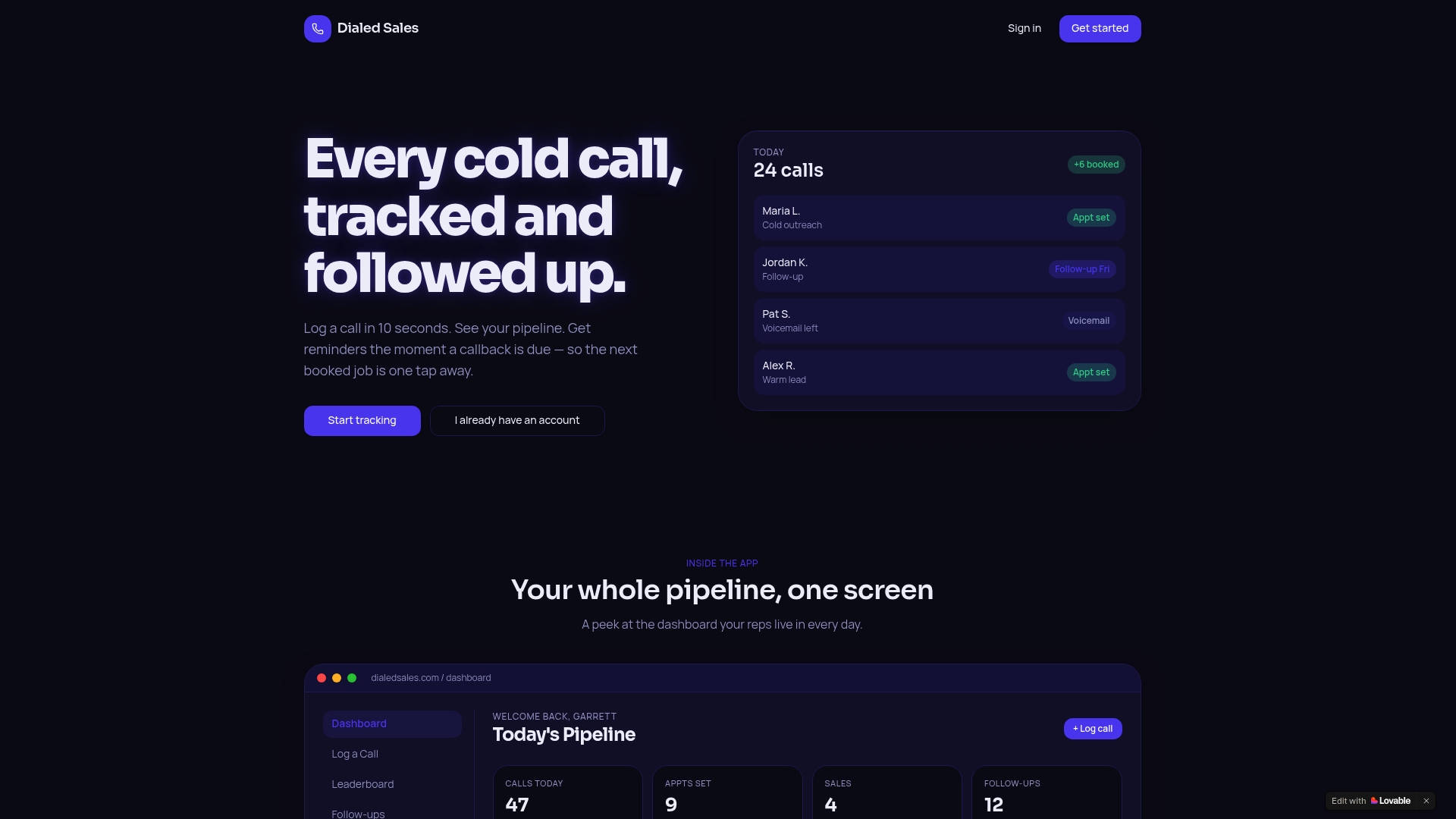
Try Dialedsales without commitment to experience how quick call logging and visible follow-up reminders help your team stay on track. Visit Dialedsales to start your two-week free trial and see your call tracking transformed.
FAQ
How does Dialedsales support fast call logging?
Dialedsales allows you to log a call in just 10 seconds from any device. This speed complements its focus on field teams in trades and home services, enabling efficient note-taking on the go. Consider using Dialedsales if your team values quick and streamlined call logging to enhance productivity.
What is the difference between Callyzer and Dialedsales?
Callyzer offers a robust real-time call monitoring dashboard, making it ideal for teams that need live visibility into operations. In contrast, Dialedsales specializes in fast call logging and follow-up automation, making it the better choice for teams that prioritize quick call entry and visible reminders. Choose Dialedsales if your focus is on minimizing admin tasks and enhancing follow-up efficiency.
Which platform provides automatic follow-up reminders on the dashboard?
Dialedsales features automatic follow-up reminders that appear on the dashboard when callbacks are due. This functionality ensures that important callbacks remain visible and does not get lost in spreadsheets, aiming to shorten the time between logging calls and recontacting clients. Use this feature to keep your follow-ups organized and timely.
Can I use Callyzer if I have mixed-device teams?
Callyzer is primarily designed for Android devices, which may pose compatibility issues for teams using iPhones or other platforms. If your team frequently uses iPhones, consider Dialedsales, which offers broad compatibility across devices, ensuring seamless integration regardless of the hardware used.
Does Dialedsales require complex setup for new users?
Dialedsales requires minimal setup, allowing representatives to enter call outcomes and set follow-up dates without the complexity of a full CRM. This simplicity is beneficial for teams looking to get started quickly without extensive training or administrative overhead. Choose Dialedsales to simplify your call logging process right from the start.